01
Download and extract
Download the Windows installer on your computer and follow the setup steps.
FastCat routes your Windows computer’s existing internet connection to an Android phone or iPhone over USB—helping you avoid the interference and instability of a wireless hop.
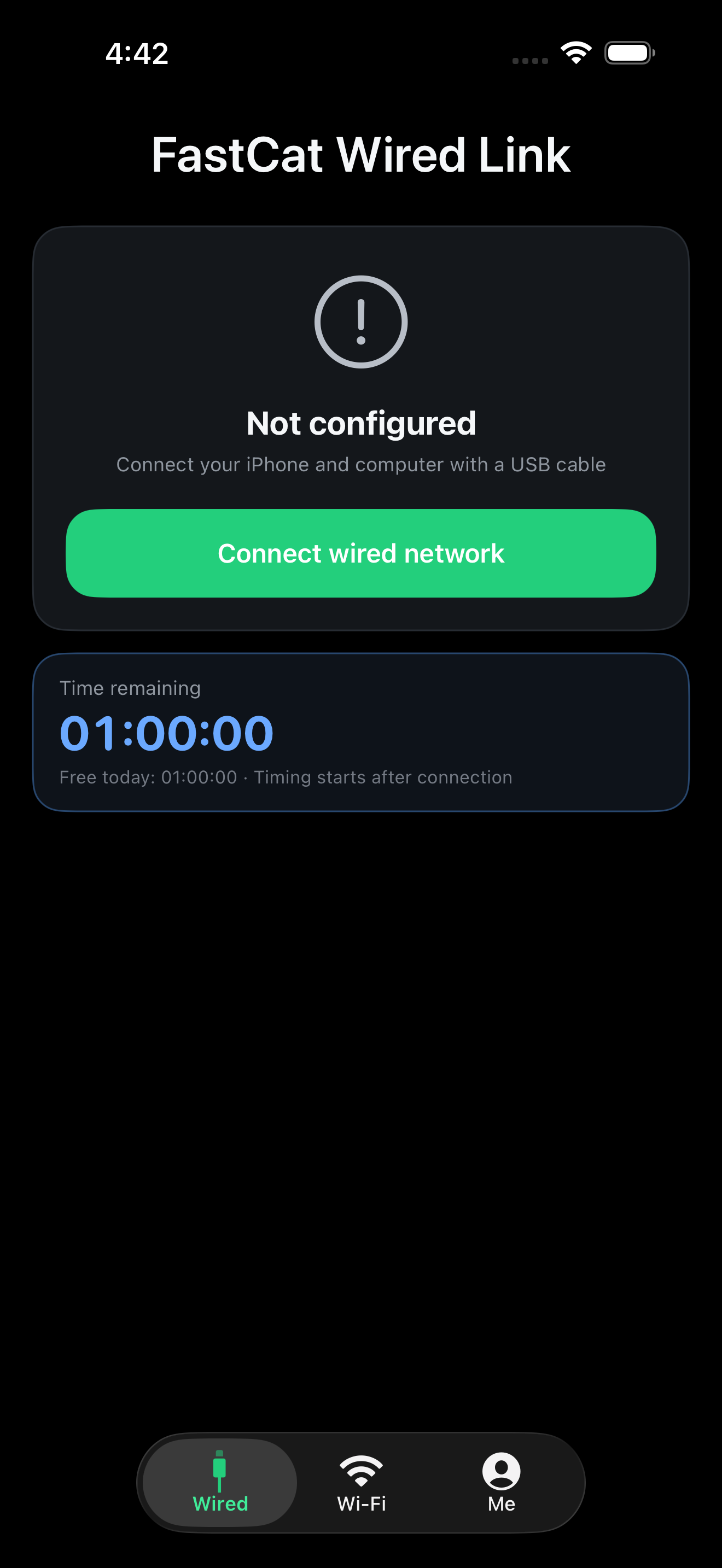
FastCat keeps setup straightforward. The Windows companion handles the computer side while the mobile app manages the wired connection on your phone.
Download the Windows installer on your computer and follow the setup steps.
Install FastCat from Google Play or the App Store.
Use a data-capable USB cable, keep FastCat running on Windows, then open the mobile app and start the wired connection.
FastCat does not replace your internet provider. It changes the final connection between your computer and phone from wireless to wired.
Use the network connection your computer already has, then carry it to your phone through a USB cable. This can help reduce instability caused by crowded Wi-Fi or an inconsistent mobile signal.
The mobile app distinguishes a running network service from a computer that is actually attached, so you can see when the wired link is ready.
When supported by your phone, the connected device can act as a gateway and share the computer’s connection through its hotspot.
Start with the Windows companion, then install the mobile app on your phone. FastCat needs both devices to establish the connection.
Required on the computer that provides the internet connection. Download the installer, follow the setup steps, and open FastCat from the Start menu.
Download for Windows View checksum fileThis release is unsigned. Windows SmartScreen may show “Windows protected your PC”. Verify the HTTPS source and SHA-256 before running.
Install the public Google Play release on the phone that will use the Windows computer’s connection.


Install the public App Store release on the iPhone or iPad that will use the Windows computer’s connection.
Android and Google Play are trademarks of Google LLC. Apple, iPhone and iPad are trademarks of Apple Inc. App Store is a service mark of Apple Inc.
FastCat does not add internet bandwidth or replace your provider. It moves the computer-to-phone portion of the connection onto USB, which can help reduce instability caused by the final wireless hop.
Confirm that the Windows companion is installed and open, the USB cable supports data, and the phone is unlocked. Reconnect the cable and approve any trust or USB permission prompt.